Dear Customers,SC880/CG680Pro Update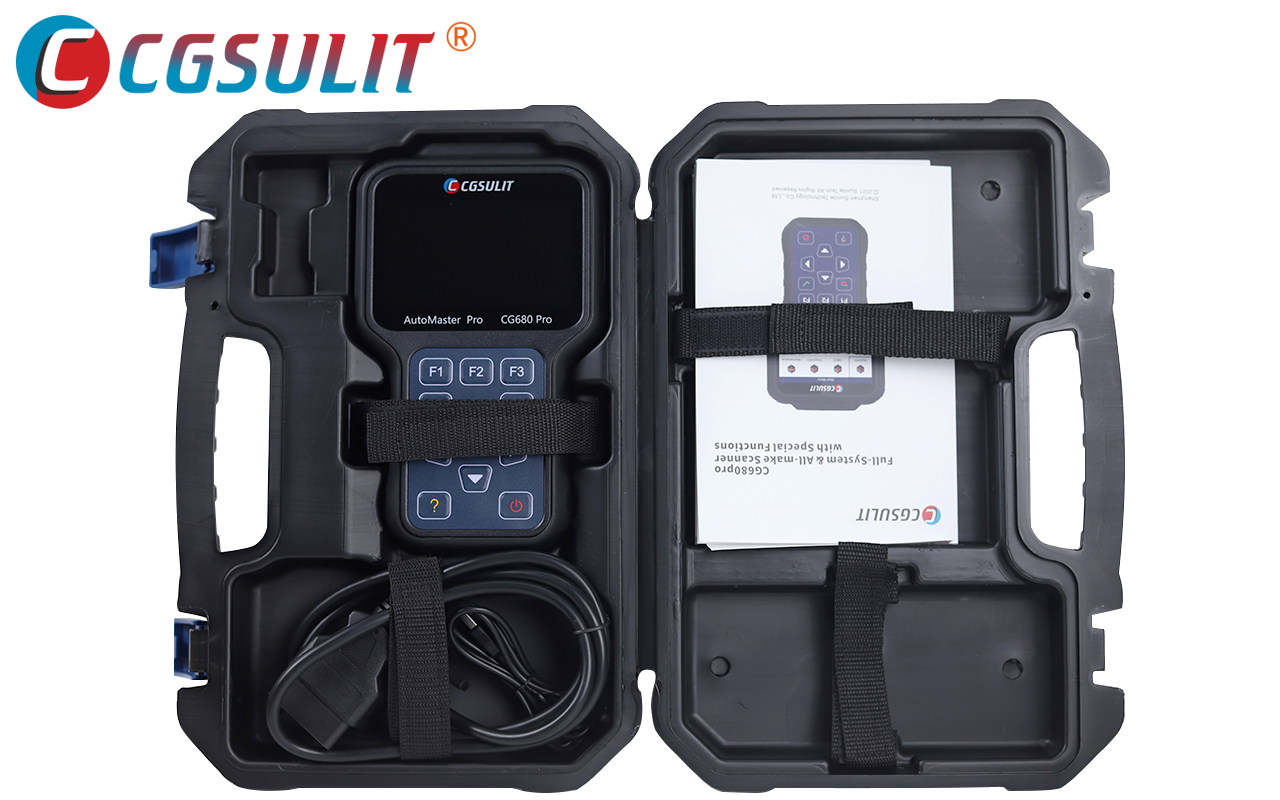 --------------------------------------------------------------For our multi-brand OBD diagnostic devices, SC880 and CG680Pro, we have a new update tool that adds additional vehicles and procedures to your device.
You can find the "OBD Diagnostic Device (SC880/CG680Pro) Updater Installation Package" in your customer account at
https://shop.dieselschrauber.org/en/account.php
To updat
The SC880/CG680Pro is a computer that requires at least Microsoft Windows 7 and a good internet connection (min. 1MBit/s). If you have the choice between a wired internet connection and WLAN, the former is preferred. For laptops, please ensure a connection to the power grid, so that the update does not fail due to a depleted laptop battery.
The update from all manufacturers and languages takes several hours and MUST NOT be interrupted beforehand. We recommend updating or installing only the manufacturers that you actually use.
Download Screen:
The list includes many US brands or brands for China, for which you probably will never have a corresponding vehicle in the workshop.
The choice isInstallation of "allem" makes your SC880/CG680Pro slow, or it may not even be possible due to lack of space on the internal storage card.
If updates or procedures are available for a specific brand, a corresponding "Update" button will be visible on the right, with available updates displayed at the beginning of the list.
This includes, among others, FORD(EU), Porsche, BMW(BRIBMW), DAEWOO and Daihatso, based on the latest version.
Unnecessary brands can be removed from the screen using the "Uninstall" button.
Please only select the vehicle brands that you actually want to work with.
The operation of the update tool is largely self-explanatory:
- Install Updater Installation Package
- Rubber cover at the bottom of the SC880
/CG680Pro remove.
- SC880/CG680Pro connect to the computer using the included USB cable.
- In the SC880/CG680Pro main menu, select "Update" in the bottom right.
- Wait for the necessary device driver to be installed in Windows (1 minute).
- Start CGSULIT Update Assist 2.0, select SC880/CG680Pro, close the login mask by clicking the X in the top right of the login mask.
- Select the desired language (DE/EN/FR) and manufacturer (German should be pre-selected).
- Update the desired manufacturer packages or click the "One Click Download" button to update all selected packages.
- Wait until all packages have been downloaded and installed.
If all packages are installed (scroll down), with the ENTER Button on the SC880/CG680Pro to end the update process.
Questions regarding usage or specific procedures, or automotive technology?
Dieselschrauber Community
Many greetings, Rainer Kaufmann - Kaufmann Automotive GmbH www.dieselschrauber.org - www.canhack.de - www.kaufmann-automotive.ch ----------------------------------------------------------------------------------------------------------
CAN Interface
<img alt="CAN-Bus Interface RKS+CAN" src="https://shop.dies
----------------------------------------------------------------------------------------------------------


 Bookmarks
 Links
Links Garage
 FAQ, Legal Notice & Privacy
 RSS Feed
 Register
 Login
Login